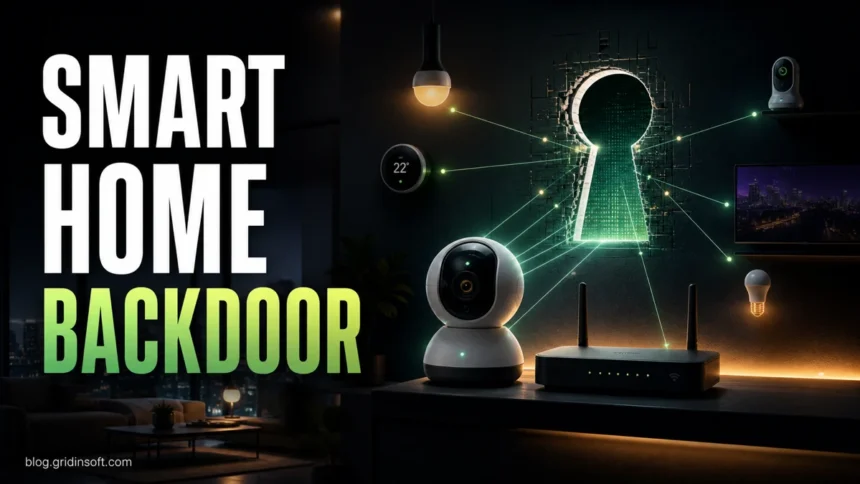
Smart Home IoT Security
Smart cameras, routers, TVs, and other IoT devices can expose a home network when firmware, passwords, cloud accounts, or unofficial apps are weak. Use this checklist to spot risk and…

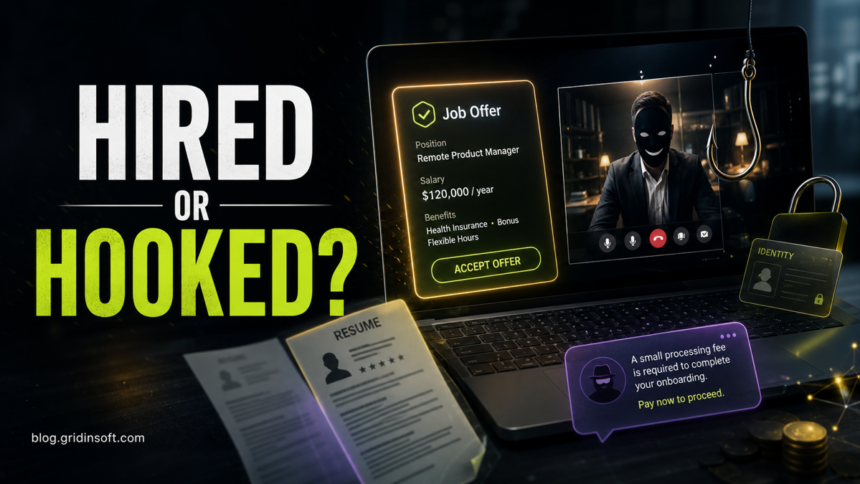
Hiring Scams: Red Flags
Hiring scams use fake recruiters, job offers, checks, fees, and interview links to steal money, personal data, or device access. Learn the red flags and what to do next.

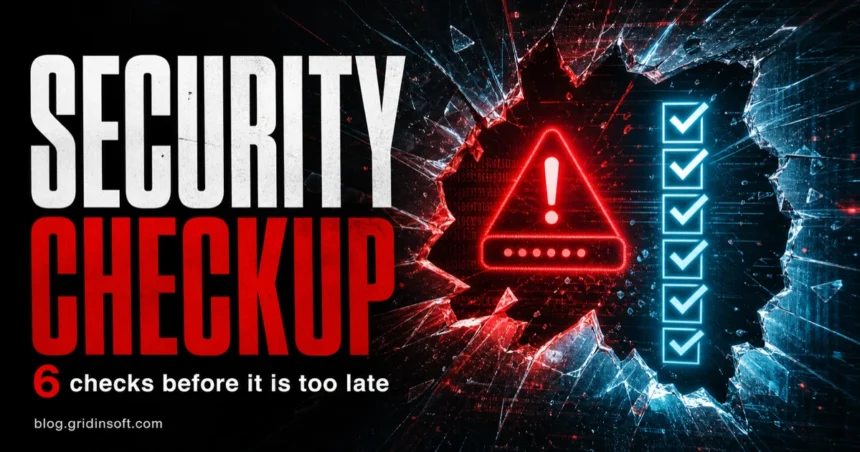
Online Security Checkup: 6 Checks to Do Regularly in 2026
Run this 2026 online security checkup to find weak passwords, suspicious sessions, risky app permissions, outdated software, and malware signs.

Why PC Security Software Can’t Be Free?
We live in the age of computers, a world on its own. Computers have dramatically taken the world over with their immense working range. From A to Z, almost everything…

Scariest Online Threats You Should Know About
Today almost every aspect of our life has moved online. And we can be quite happy about it because you no longer need to waste a whole hour to commute…
Amonetize Adware Removal: Bundled Apps, DealPly, Babylon, and ParetoLogic
Remove Amonetize adware by uninstalling bundled apps, cleaning browser changes, checking startup tasks, and scanning for DealPly, Babylon, and ParetoLogic leftovers.

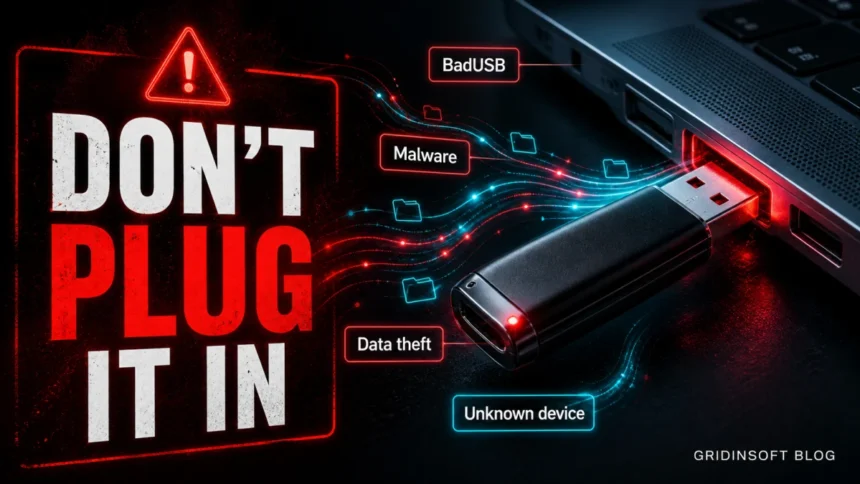
USB Drive Security Risks: What to Do Before Plugging One In
Unknown USB drives can carry malware, shortcut worms, ransomware droppers, or BadUSB-style hardware attacks. Learn what to do before and after plugging one in.


Ads Everywhere? Find the Adware Source
Ads everywhere in your browser usually point to an extension, notification permission, search hijacker, bundled app, or startup item. Learn how to find the source safely.

How Teens Tricking Their Parents With The Help of Their Electronic Devices
We all know that the internet has become a major necessity of the modern times. The latest electronic devices like laptops, tablets and mobile phones only make it easier to…

Adware Examples: 6 Ways Intrusive Ads Hijack Browsers
See six common adware examples: pop-ups, search hijacks, fake virus alerts, notification spam, coupon extensions, and adware that keeps returning.
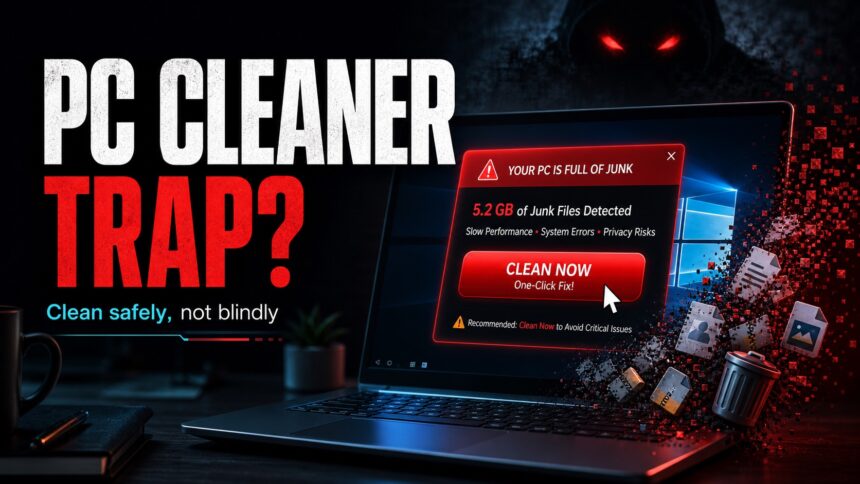
Should You Use a PC Cleaner? Safe Windows Cleanup vs Scams
Fake PC cleaner pop-ups can turn a slow computer into a security problem. Learn what is safe to clean yourself, what to avoid, and when to scan for malware.

Advertising-free Internet, how much better it would be! – No ads!
In the early days of the Internet, web pages used to be filled only with content that the creator of the page wanted to share with its visitors. Pages would…