
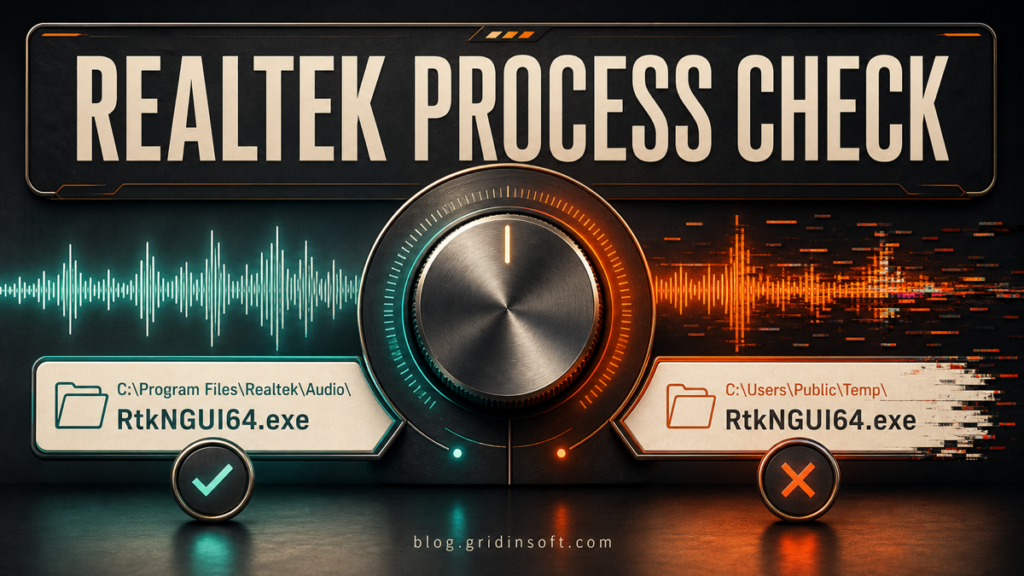
RtkNGUI64.exe: Safe Realtek Process or Malware Copy?
RtkNGUI64.exe is usually Realtek HD Audio Manager. Check its path and signature, disable startup safely, fix high CPU or errors, and spot a malware copy.
Repair desk
Focused fixes for Windows errors, fake alerts, browser problems, Defender warnings, scam pop-ups, and cleanup cases that need a clear next step.
Solutions online
RtkNGUI64.exe is usually Realtek HD Audio Manager. Check its path and signature, disable startup safely, fix high CPU or errors, and spot a malware copy.
SUCKS 2 SUCK ransomware adds .encrypted, drops !.txt, and shows a 10-attempt lock screen. Isolate the PC, remove…
Chrome or Edge disabled ModHeader as malware? Check the extension ID and version, remove it safely, clear residual…
GPU-Z is legitimate from TechPowerUp, but old or unexpected GPUZ-v2.sys copies can be risky. Check the version, source,…
BL4CK SP1D3R ransomware adds the .bl4ck extension and drops BL4CK_SP1D3R_README.txt. Learn what to isolate, preserve, clean, and restore safely.
FortLobby.com is not a safe Fortnite locker-value checker. Learn the scam signals, what not to enter, and how to secure your Epic account if…
Chrone Browser by iStart is a suspicious unwanted-browser entry, not normal Chrome or Firefox. Learn how to uninstall it, reset browser changes, remove extensions…
Learn how to check and remove a suspicious Image File Execution Options hijack without deleting normal Windows debugging entries.