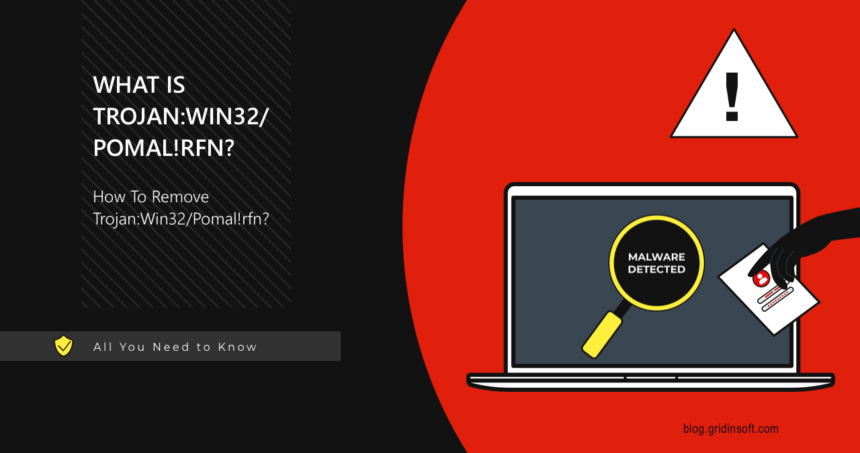
Trojan:Win32/Pomal!rfn is a Microsoft Defender detection that should be judged by the affected file path, source, signature, and behavior, not by the name alone. Microsoft public detail for this exact detection is limited, so source and path matter. If the file came from an unknown archive, crack, email attachment, fake update, or download portal, keep it quarantined and remove the source package.
What should you do with Pomal!rfn?
- Keep quarantine/removal active until the affected file is verified.
- Check the source: cracks, repacks, email attachments, scripts, and fake updates are high-risk.
- False positive is possible only for trusted, signed, reproducible software.
- If the file executed, scan fully and check startup entries, scheduled tasks, and browser changes.
| Detection | Trojan:Win32/Pomal!rfn |
| Type | Trojan / Defender heuristic detection |
| Main risk | Suspicious executable behavior; possible payload or downloader risk |
| Best first action | Quarantine/remove, delete source package, run full scan, verify persistence points |
What is Trojan:Win32/Pomal!rfn?
Defender names are labels for a detection pattern. For many machine-learning or generic detections, Microsoft publishes limited public detail, so the useful evidence is the file path and context. A detection in a trusted signed app has a different risk profile than the same label on a crack, repack, script, or unknown executable.
Could it be a false positive?
Possibly, especially for uncommon tools, scripts, emulators, or newly built software. But do not treat it as a false positive if the file came from an unofficial download, torrent, software crack, fake update page, or message attachment. Submit a verified file to Microsoft only after checking the publisher, source, and hash.
A clean-looking filename or one Defender alert does not prove the source is safe. If it came from a crack, archive, fake update, email attachment, Temp, or AppData, scan before restoring it; companion files and startup entries may not use the Pomal name.
Download Gridinsoft Anti-Malware for WindowsHow to remove Trojan:Win32/Pomal!rfn
- Open Windows Security → Virus & threat protection → Protection history.
- Open the detection and note the affected item path.
- Choose Remove or Quarantine.
- Delete the original installer, archive, or extracted folder.
- Uninstall suspicious apps installed on the same date.
- Check Startup Apps, Task Scheduler, and unknown browser extensions.
- Update Defender and run a full scan after reboot.
If Pomal!rfn was blocked before launch, quarantine and source deletion may be enough. If it ran, came from a crack/archive/fake update, or returns after reboot, scan for startup entries, scheduled tasks, hidden copies, and browser changes before deciding it was harmless.
FAQ
Should I allow Trojan:Win32/Pomal!rfn?
No, not on a normal PC. Allow only in an isolated lab or after Microsoft/vendor confirms a false positive.
Why does it come back after removal?
The source archive, extracted copy, browser cache, scheduled task, or companion app may still be present.
Do I need to reinstall Windows?
Usually no if Defender blocked the file before execution. Consider deeper recovery if the file ran, Defender says remediation incomplete, or suspicious startup/network behavior remains.
Source: Microsoft Security Intelligence and Microsoft Defender protection guidance.