A real event can be the cover for a fake Google login. In research published on October 8, Cisco Talos describes attackers copying legitimate event posters, replacing their QR codes and sending tailored invitations to people affiliated with research organizations in Taiwan. The operation, tracked as UAT-11985, used a live authentication relay behind the counterfeit sign-in page—not just a form that saved passwords. Talos observed the campaign in mid-2026; the new development is its detailed investigation. [1]
The event checked out. The senders did not.
The invitations borrowed the names of the Taiwan European Union Centre, NCCU Institute of International Relations and Taiwan Research Institute. Public event details supplied a credible topic, date and venue. An invitee checked the purported senders with the organizations, but none could confirm that the three people represented them. That discrepancy mattered more than how professional the message looked.
Talos found a repeated structure: an elaborate policy introduction, personalized praise and then registration logistics. A supposedly reserved VIP seat made the recipient feel specifically chosen. The invitation’s accuracy was doing the persuasive work: a real conference and a plausible personal compliment encouraged trust in a registration link that had not been verified.
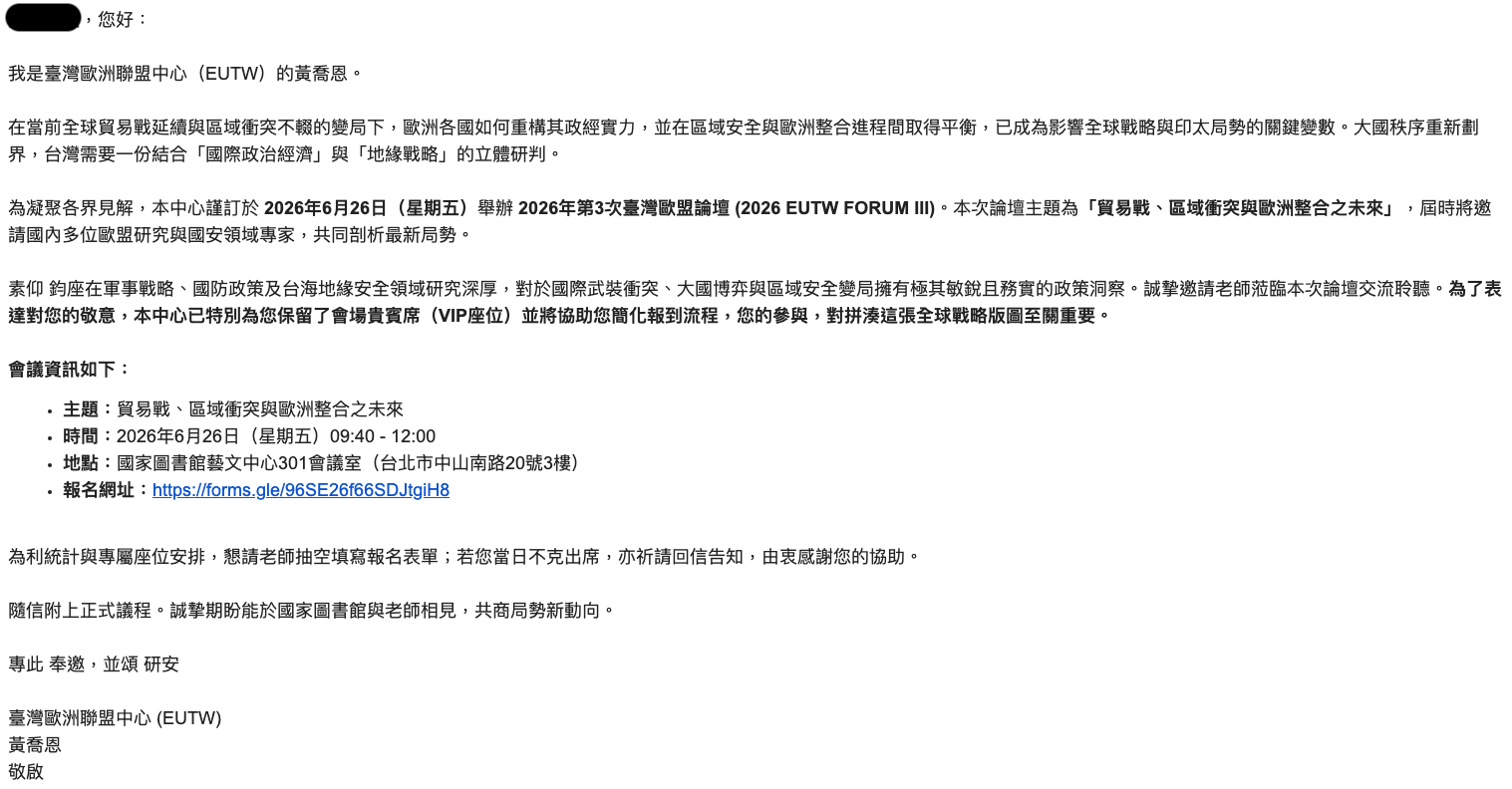
Example
From: Event coordinator, events [at] example [dot] invalid
Subject: Invitation to a policy forum
Your expertise would enrich our discussion.
A VIP seat has been reserved for you.
Please complete the registration form.
Google Forms registration
This illustrative message reproduces the lure’s structure, not a real sender or a live registration link. In the observed emails, familiar-looking Google Forms link text concealed an attacker-controlled destination. The label on a hyperlink is separate from the address it opens.
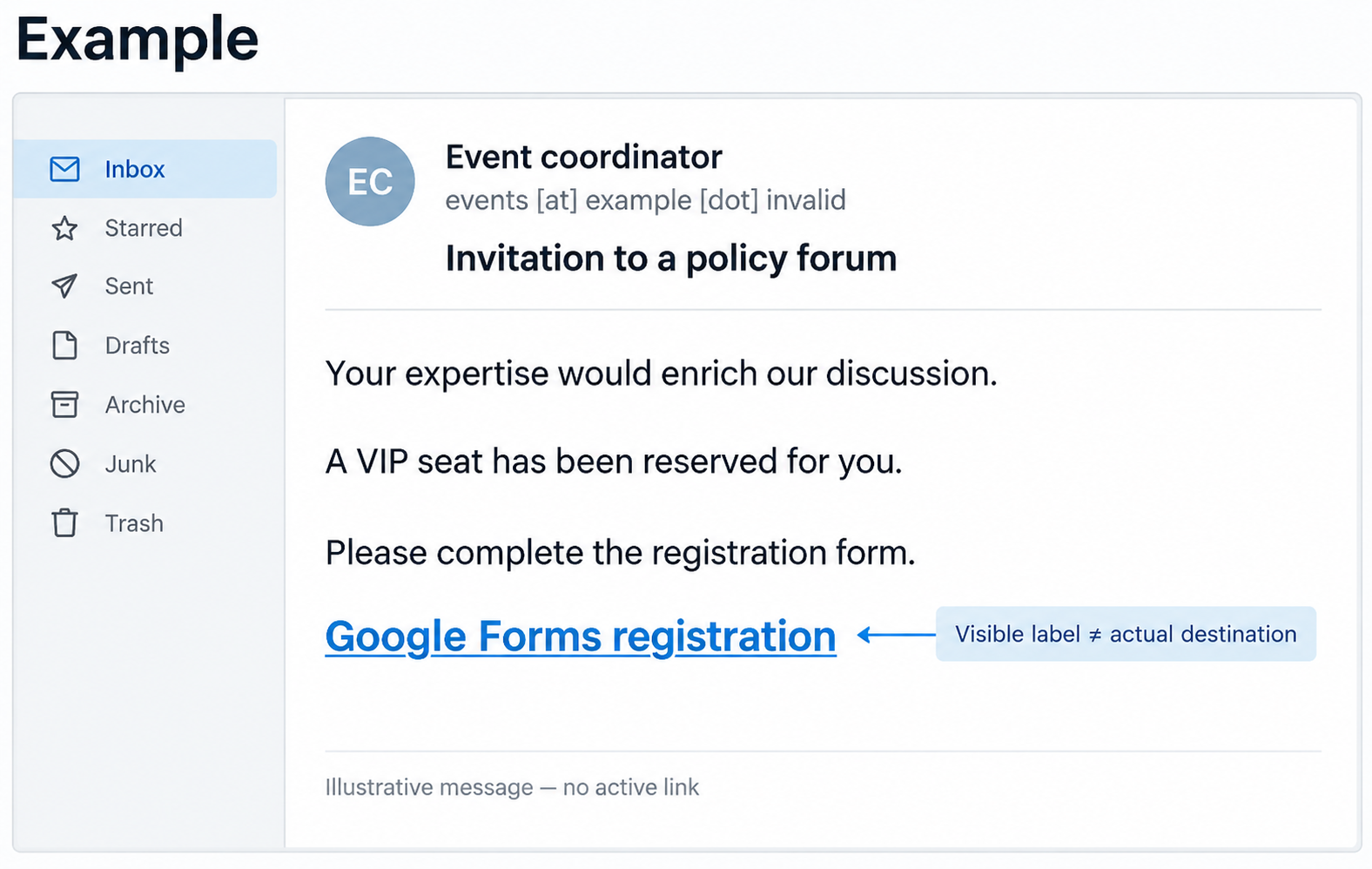
A copied poster carries a different QR destination
The attached posters gave the deception another route. Talos compared a legitimate design with a modified copy containing a substituted QR code. A familiar layout can survive that change while the registration destination changes completely.
The researchers suggest the attackers may have expected recipients to print and display the posters, allowing colleagues to encounter the lure without receiving the original email. That is a possible expansion route, not evidence that the posters were actually displayed or that additional people were compromised. The practical distinction is simple: recognizing the event artwork does not authenticate the code. For the broader risks after scanning, see our QR-code phishing guide.
The fake login follows the real authentication steps
The registration page imitated a Google Form and redirected visitors to a counterfeit Google sign-in interface. Talos describes two communication channels behind it: HTTP requests sent captured information to the attackers, while a persistent WebSocket connection brought back instructions about which screen to show next. A WebSocket keeps an ongoing connection open, so the visible page can change as the real sign-in progresses.
That division let the fake page behave like an interactive login. The backend forwarded an account identifier to Google, then submitted a captured password. When Google required another authentication step, the operator could make the victim’s page display the corresponding challenge. The victim was interacting with the relay while the attacker worked against the real service.
Even the apparent ending was part of the deception: Talos found a locally hosted success page inside the phishing interface. Seeing a familiar completion screen therefore did not establish that the browser had been on Google’s genuine sign-in site. The account risk also extends beyond a reusable password when a relay obtains an authenticated session; our BlueKit investigation explains that distinction in a separate campaign.
What the report proves about AI, MFA and passkeys
The repeated language and personalization led Talos to assess likely AI assistance. The researchers explicitly could not conclusively establish that a language model generated the emails. Fluent prose is neither proof of AI nor proof of a trustworthy sender.
The kit’s challenge handling also is not a demonstration that every authentication method is equally vulnerable. A fake screen mentioning a passkey does not show that the attacker defeated a genuine passkey ceremony. Google describes passkeys as phishing resistant because they are tied to the site or app they were created for. Keep that protection distinct from passwords and codes entered into a counterfeit page. [3]
Verify the invitation before continuing the login
Open the institution’s event page independently and confirm the organizer using a contact found there. Inspect the actual destination of the email link or QR preview before entering account information. A scan or an opened page alone does not establish account takeover; whether you supplied a password or completed a challenge changes the response.
If you did enter credentials or approve an unexpected authentication request, open Google Account directly and follow its compromised-account process: review security events and devices, secure the password and recovery information, and inspect Gmail forwarding or other settings for unauthorized changes. For a managed account, tell the organization’s administrator what you entered and when. [2]
The revealing failure in this case was the gap between authentic event details and an unauthenticated route to registration. Verify that route before letting a convincing invitation become a Google sign-in.
References
- Joey Chen. “UAT-11985: AI-assisted event lures delivering real-time Google AitM phishing.” Cisco Talos, October 8, 2026. Investigation.
- Google Account Help. “Secure a hacked or compromised Google Account.” Accessed October 9, 2026. Account recovery and security checks.
- Google Account Help. “Sign in with a passkey instead of a password.” Accessed October 9, 2026. Passkey protection and use.