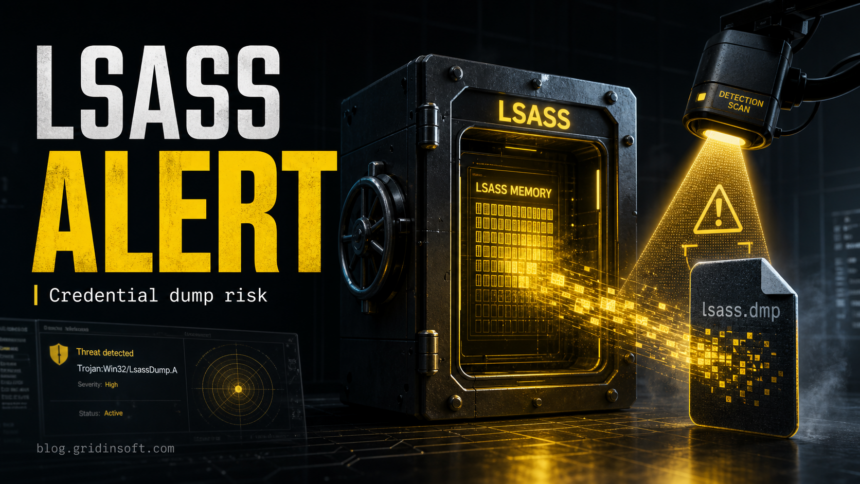
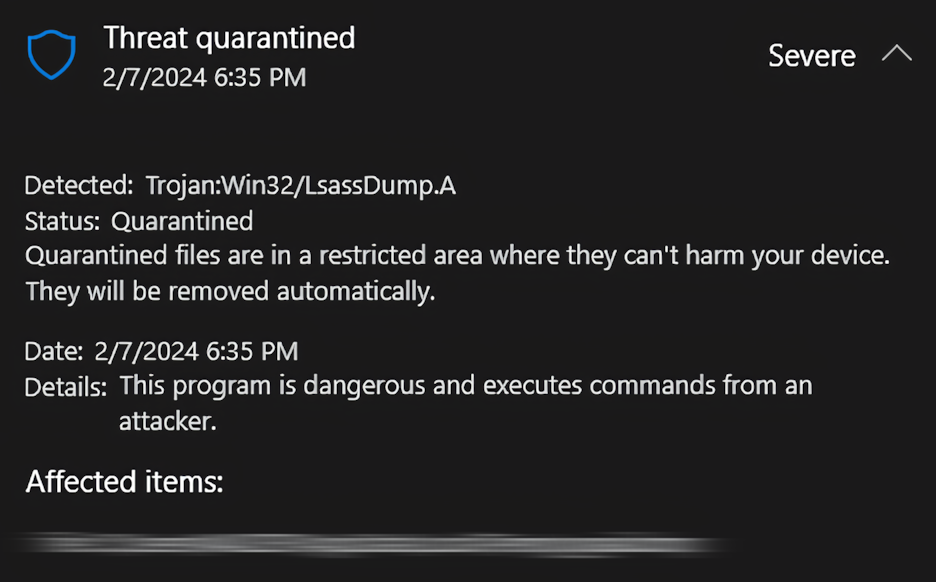
Trojan:Win32/LsassDump.A is a Microsoft Defender detection for behavior that looks like an attempt to dump memory from lsass.exe, the Windows process that handles sign-ins and credentials. Treat the alert as serious until you know what triggered it: keep the item quarantined, check whether a trusted app caused the alert, scan for persistence, and change passwords if the suspicious file already ran or the alert came from Temp, AppData, Startup, or Task Scheduler.
The important detail is that LsassDump.A is behavior-based. Defender is reacting to LSASS memory access, not only to one named file. That means the alert can appear during a real credential-stealing attack, during security testing, or occasionally around legitimate software that behaves too close to credential-dumping tooling.
What Trojan:Win32/LsassDump.A Means
LSASS stands for Local Security Authority Subsystem Service. Windows uses it for local and remote sign-ins, security policy checks, and authentication material. Attackers target LSASS because its memory can contain password hashes, Kerberos tickets, and other data that may help them move to other accounts or devices.
Trojan:Win32/LsassDump.A does not prove that every password was stolen. It means Defender saw an action that matched LSASS dumping behavior. The right response depends on the source file, the path, whether the file ran, and whether the warning returns after quarantine or reboot.
Is It Malware or a False Positive?
Use this quick decision table before restoring or deleting anything permanently.
| Situation | Risk and what to do |
|---|---|
| The alert appeared after running a crack, keygen, fake update, unknown installer, game cheat, or file from a torrent archive. | Assume the detection is dangerous. Keep it quarantined, disconnect from sensitive accounts, run a full scan, and change passwords after cleanup. |
The detected item is in %TEMP%, %APPDATA%, %LOCALAPPDATA%, Startup, a scheduled task path, or a random folder name. |
This is a strong compromise signal. These locations are commonly used by loaders and persistence scripts. |
| The warning returned after Defender quarantined the file or after reboot. | Something may be recreating the file or repeating the LSASS access. Check startup entries, tasks, services, browser extensions, and hidden payloads. |
| The alert appeared while using a known security, forensics, backup, anti-cheat, or admin tool. | It may be a false positive, but do not restore it blindly. Verify the publisher, file path, hash, and whether other scanners agree. |
| You only saw the alert in Protection History, the item is quarantined, and no symptoms returned. | The immediate threat may be contained. Still run a second scan if the source was unknown or the file had already executed. |
Common Triggers
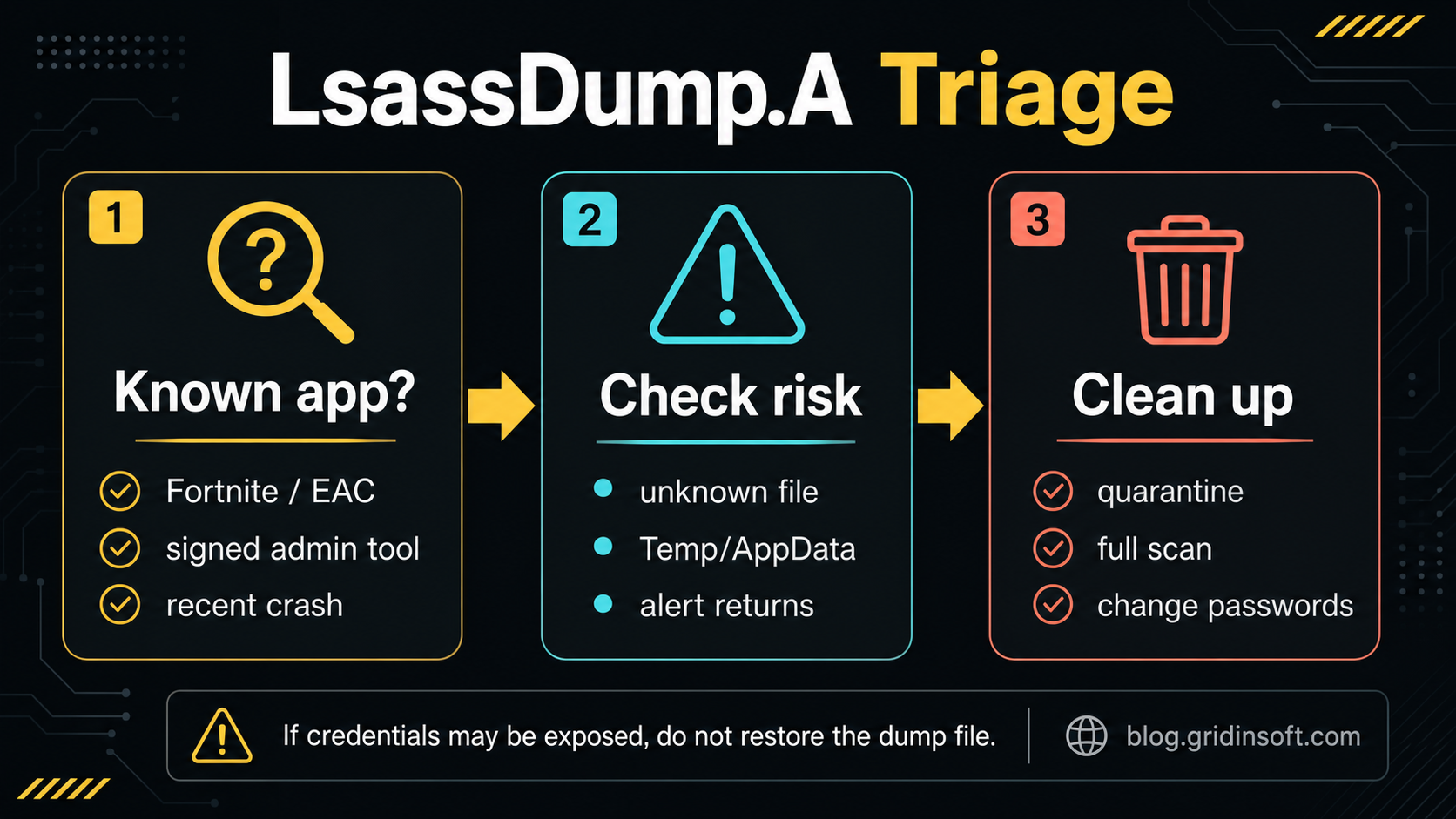
Defender can raise LsassDump.A when a process tries to read or dump LSASS memory. The trigger may be a known credential-dumping tool, malware that includes credential theft as one stage, or a legitimate tool that behaves in a way Defender considers unsafe.
Watch for these signs around the detection:
- a random executable such as
Updater.exe,setup.exe, or a temporary file launched fromDownloads,Temp, orAppData; - PowerShell, WMI,
WerFault.exe,rundll32.exe, or another Windows component starting unexpectedly near the alert time; - a new scheduled task, service, Startup entry, browser extension, or Defender exclusion created shortly before the warning;
- unusual sign-in prompts, account lockouts, browser session resets, or security emails after the file ran;
- a trusted game, anti-cheat, security tool, or admin utility that updated immediately before the alert.
What To Do First
- Do not restore the detected item yet. If Defender says it is quarantined, leave it there while you investigate.
- Open Protection History. Note the detected file path, original source, status, and time of the alert.
- Check whether the source makes sense. A signed tool in its normal install directory is different from a random executable in
%TEMP%or%APPDATA%. - Scan the whole system. Defender may quarantine the visible file while a loader, scheduled task, service, extension, or bundled component remains.
- Reboot and scan again if symptoms return. A repeated LsassDump.A alert is a persistence signal, not just a stale history entry.
- Change passwords after cleanup if the suspicious file ran. Start with Windows, Microsoft, browser-saved, email, banking, gaming, and work accounts.
Clean Up With Gridinsoft Anti-Malware
Trojan:Win32/LsassDump.A is exactly the type of alert where a second cleanup pass is useful. Defender can stop the detected dump file, but the original loader or persistence point may be elsewhere. Gridinsoft Anti-Malware helps check the places users usually miss: hidden files, startup entries, scheduled tasks, services, bundled apps, browser changes, and related detections.
Use this sequence if the source file was unknown, the alert returned, or the file had already executed:
- Keep Defender’s quarantined item quarantined.
- Run a full Gridinsoft Anti-Malware scan.
- Remove detected loaders, suspicious startup entries, bundled apps, and persistence items.
- Reboot Windows.
- Run another scan if the alert, pop-ups, browser changes, or unusual sign-ins continue.
Defender can quarantine the visible file, but repeated alerts may mean a loader, scheduled task, service, browser change, or bundled component is recreating it. Scan the PC before trusting the cleanup.
Scan for LsassDump.A leftoversManual Checks After the Alert
If you want to verify the system by hand, focus on persistence and account risk rather than only the detected file.
- Check Task Manager and installed apps for unknown programs added around the alert time.
- Open Task Scheduler and look for new tasks with random names or commands that launch from user profile folders.
- Review Startup apps and these registry areas:
HKCU\Software\Microsoft\Windows\CurrentVersion\RunandHKLM\Software\Microsoft\Windows\CurrentVersion\Run. - Check whether Defender exclusions were added without your permission.
- Remove suspicious browser extensions and reset changed search/homepage settings.
- Review recent account sign-ins after cleanup, especially if the original file ran with administrator rights.
Do not download random “LSASS dump removal” tools from search results. Credential-dumping alerts are a common lure for fake cleaners and bundled installers.
How To Reduce Future LSASS Dump Risk
After the system is clean, reduce the chance of another credential-dumping event:
- Keep Microsoft Defender and Windows security intelligence updated.
- Avoid cracks, keygens, unknown game cheats, fake updates, and unsigned remote-support tools.
- Use a standard Windows account for daily work and reserve administrator rights for installs and maintenance.
- Enable multi-factor authentication for important accounts.
- For managed or higher-risk devices, consider Microsoft LSA protection and credential-hardening policies.
FAQ
Is Trojan:Win32/LsassDump.A always a real Trojan?
No. It is a Defender detection for LSASS dumping behavior, so it can also appear around legitimate admin, security, anti-cheat, or forensic tools. Treat it as dangerous until you verify the file path, publisher, source, and whether the alert returns.
Can I restore the file if I think it is a false positive?
Only restore it after checking the publisher, original download source, file path, and a second scan. Do not restore a dump file or an unknown executable from Temp, AppData, a crack archive, or a fake update.
Does LsassDump.A mean my passwords were stolen?
Not automatically. It means Defender saw behavior that could expose credential material from LSASS. If the suspicious file ran, the alert returned, or you saw account warnings afterward, clean the PC first and then change important passwords.
Why does the alert come back after quarantine?
A loader, scheduled task, service, browser extension, or bundled component may be recreating the detected file or repeating the LSASS access attempt. That is when a full system scan and startup/persistence review matter.
References
- Microsoft Security Intelligence. “Behavior:Win32/LsassDump.A threat description.” Microsoft, accessed June 20, 2026. https://www.microsoft.com/en-us/wdsi/threats/malware-encyclopedia-description?Name=Behavior%3AWin32%2FLsassDump.A
- MITRE ATT&CK. “OS Credential Dumping: LSASS Memory (T1003.001).” MITRE, accessed June 20, 2026. https://attack.mitre.org/techniques/T1003/001/
- Microsoft Learn. “Configure added LSA protection.” Microsoft, updated April 28, 2025, accessed June 20, 2026. https://learn.microsoft.com/en-us/windows-server/security/credentials-protection-and-management/configuring-additional-lsa-protection