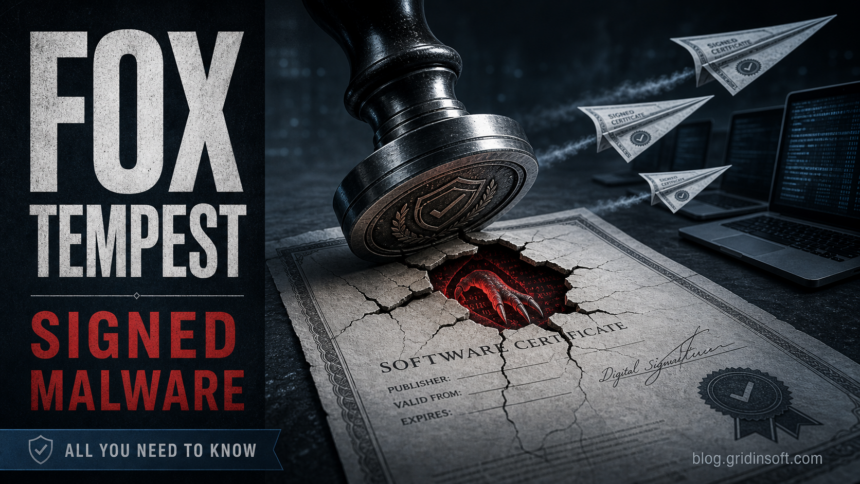
Microsoft says Fox Tempest operated a malware-signing service that helped criminal customers make malicious files look more trustworthy. The operation, which Microsoft describes under the name Artifact Signing, shows why a valid digital signature should never be treated as proof that a file is safe [1].
The practical risk is simple: a signed file can feel safer to a user and may pass basic trust checks that would stop an unsigned sample. That does not make the file clean. It means the attacker bought or abused a layer of legitimacy and used it to reduce friction during delivery.
Why signed malware works
Signed malware is especially effective when the victim is already under pressure: a fake update page, a cracked software installer, a support-themed download, or a “required security tool” tells the user to run a file. The signature then becomes a confidence trick. It answers the wrong question: “does this file have a signature?” instead of “did I get it from the real source?”
Microsoft’s report connects the service to criminal delivery chains, including ransomware and infostealer activity. The important lesson is not only who ran the service. It is the false assumption that a digital signature, by itself, proves the publisher and delivery path are safe.
What users should check
- Where the file came from: official vendor site, search ad, redirect chain, Telegram link, cracked-tool page, or random archive.
- Whether the publisher name matches the real vendor and product.
- Whether the file appeared after a fake browser update, fake support message, or software crack.
- Whether Windows Defender or another scanner flags the file despite a signature.
- Whether the file creates startup entries, scheduled tasks, browser extensions, or unexpected child processes.
What defenders should review
For enterprise teams, signed malware should be triaged by behavior and source, not only by certificate status. Review process trees, download URLs, certificate issuer and timestamp, first-seen date, prevalence, and whether the signed file connects to suspicious infrastructure. A newly seen signed executable from a low-reputation source should not be treated like a trusted vendor update.
If a suspicious signed file already ran, treat the device as exposed. Review recent downloads and startup entries, then scan the system before signing back into sensitive accounts. For related detection context, Gridinsoft’s guide to Microsoft Defender detection names explains why a detection label is a starting point for triage, not a full incident story.
References
- Microsoft Security, “Exposing Fox Tempest, a malware signing service operation,” May 19, 2026. Report