
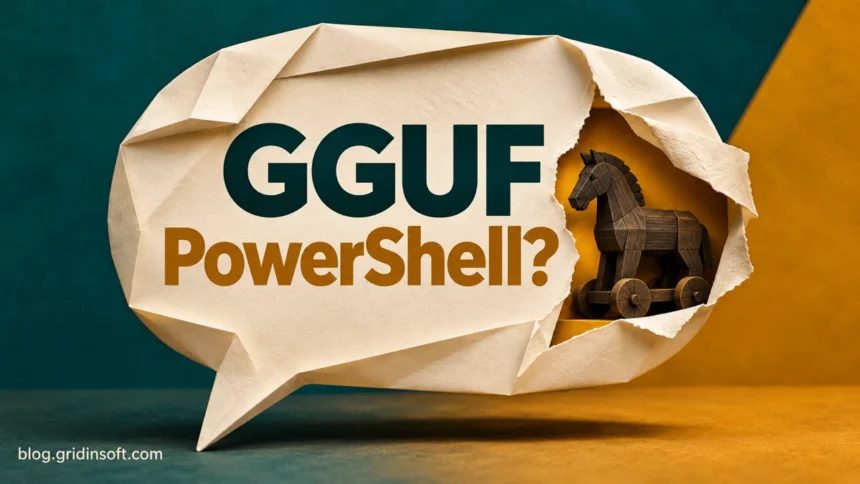
The Windows trojan was already inside the model. What came later was the invitation to run it. On November 26, someone changed two local AI models on Hugging Face so their chat replies would open with a PowerShell command. A user could ask about dinner and get a plausible answer. The dangerous part was the line above it.
Security researcher Düzgün, who publishes as Root0ne, traced the two files to the Mir2k account. A second account, timdedid, took aim at coding agents that could use a terminal themselves. Across the five repositories, Malspark counted 2,428 downloads by November 27. The research gives no count of machines that ran the malware. Gridinsoft checked the five repository records on November 28 and found that Hugging Face had marked all five as disabled.
The trojan arrived days before the command
Mir2k uploaded a community version of Huihui-Qwen3.5-9B on November 22 and an Inkling-2-Mini model two days later. Each GGUF file contained the same Windows program, nicknamed ollie. The chat templates in those first uploads were clean, according to Malspark’s review of the revision history.
That timing explains how somebody could try one of the early files and see an ordinary conversation. The software running the model read the data it needed to generate answers. The extra Windows program sat unused in the file. A change on Hugging Face would affect someone fetching the newer revision. A copy already sitting on a disconnected laptop would keep its original template.
A chat template arranges a conversation before the model sees it. The November 26 revisions added a backstage instruction in French: put a particular line at the start of every answer, then answer the question normally. If a Windows user pasted the line into PowerShell, it could extract the program from the model already on disk and start it. There was no second installer for the user to recognize.
Malspark’s examination of the program found code targeting saved browser passwords and the Phantom and MetaMask wallet extensions, alongside keylogging and screen capture capabilities. Those findings describe what the program was built to do. They do not establish that anyone lost a password or a wallet.
Three other models asked the agent to use its terminal
The timdedid account published three copies of a small Qwen model. Here the instruction was addressed to a coding agent. An ordinary question containing “What is” could trigger a hidden request for the agent to fetch and run a script through PowerShell. An agent with shell access and permission to act could cross that boundary without showing its user a command to copy. The researcher could not recover the remote script, so its eventual effect remains unknown.
An earlier fake OpenAI repository on Hugging Face supplied a separate loader. In the Mir2k case the chat reply itself supplied the next step.
How to check which file you used
Look at the full repository name in your download history or model manager. A model name such as Qwen on its own identifies many unrelated builds. Malspark named these five repositories:
Mir2k/Huihui-Qwen3.5-9B-abliterated-GGUFMir2k/Inkling-2-Mini-Uncensored-GGUFtimdedid/qwen3.8-cyber-uncensoredtimdedid/qwen3-cyber-UNCENSORED-2timdedid/qwen3-cyber-UNCENSORED
If you only downloaded a match, stop using that copy. Note its source and revision, or compare its file hash with the indicators in the report. Malspark’s gguf-radar can inspect a local file without starting the model. Replace a suspect copy with a fresh build from a publisher you trust. Merely storing the Mir2k file did not start the embedded trojan in the sequence the researcher described.
If you used it with a coding agent, review the tool-call history for the session. Check whether a shell action was requested, whether approval was granted, and whether the action ran. The chat transcript alone can miss what happened in a tool.
If you or the agent ran the command, disconnect the Windows machine from the network and preserve the session and security logs. On a work computer, contact your security team. From a separate trusted device, revoke exposed sessions and change passwords used or stored on the affected PC. Scan the endpoint before using it for sensitive accounts again. Removing the model file cannot undo a program that has already started.
Sources
- Düzgün. Investigation of malicious GGUF models on Hugging Face. Malspark, November 27, 2026.
- Root0ne. gguf-radar scanner and detection rules. GitHub, accessed November 28, 2026.